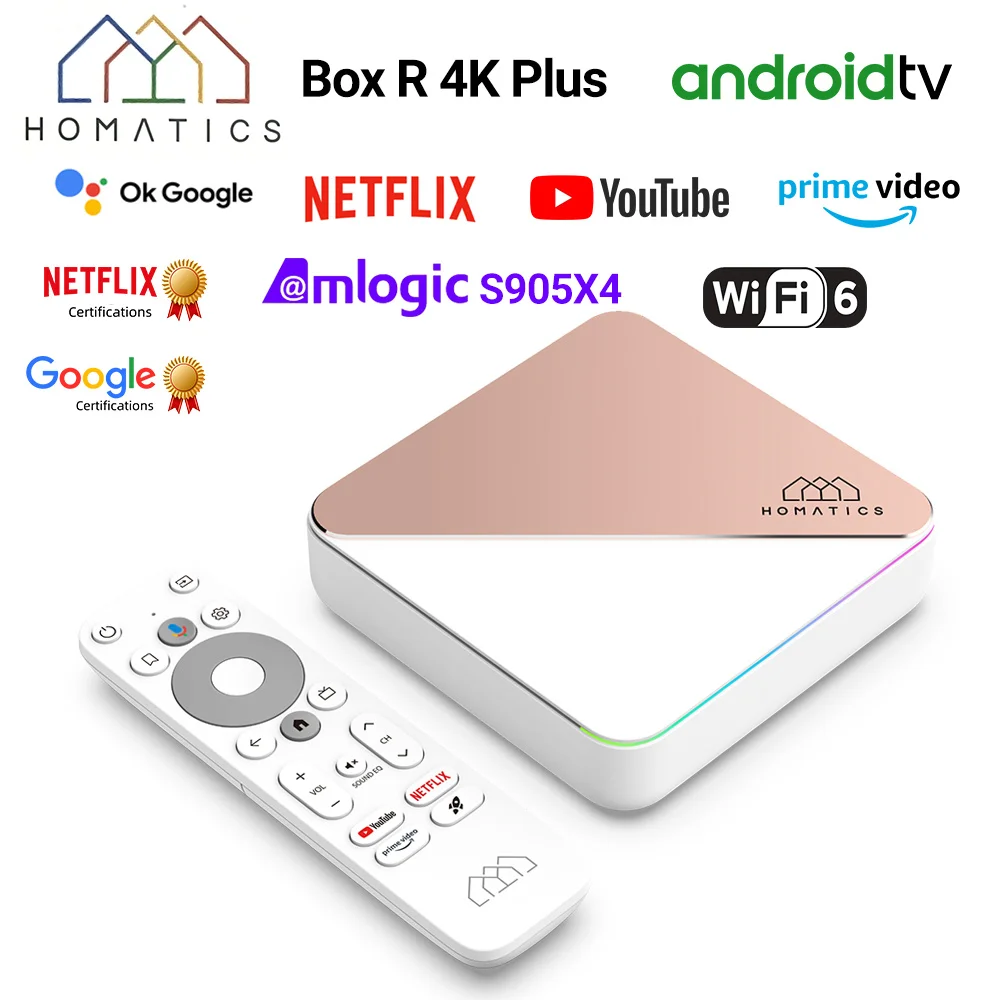
Buffering is rarely the box alone. It is usually Wi-Fi, storage or a cable. Work through these in order.
1. Use Ethernet
A wired connection removes most Wi-Fi issues. If the router is far away, powerline adapters or a mesh node with an Ethernet port help.
2. Switch to 5GHz
The 5GHz band is faster than 2.4GHz at short range. If the box allows it, join the 5GHz network and keep the router in line of sight.
3. Test your internet speed
4K streams generally need roughly 15 to 25 Mbps depending on the service. Test speed on the same Wi-Fi as the box and compare with your NBN plan.
4. Free up storage
A nearly full box slows down. Remove unused apps and clear app caches.
5. Update apps and firmware
Update streaming apps and install any system update the box offers.
6. Check HDMI cable and resolution
A weak cable can cause flicker or dropouts. Use a cable rated for 4K and try a lower output resolution.
7. Cool the box
Overheating causes stutter. Keep it out of enclosed shelves and away from other hot gear.
8. Restart and reset
Restart the box and router. If problems persist, a factory reset can clear a bad install.
Frequently asked questions
Why does my android tv box buffer only in the evening?
Network congestion at peak times can slow your connection. Try Ethernet and check your plan.
Will a faster box stop buffering?
Only if the box is the bottleneck. Most buffering comes from the network.